

Dub Partners require a Business plan subscription or
higher.
Creating your program
To create your partner program, launch the onboarding wizard:Create your partner program
Launch the program onboarding wizard to set up your affiliate or referral program
Getting started
Configure the basics of your program including name, logo, domain, and reward structure.
Invite partners
Send email invitations to your first partners or import existing partners from another platform.
Getting started details
In the first step, you’ll configure: Program basics – Set your company name and upload a logo that will appear on your partner portal and landing page.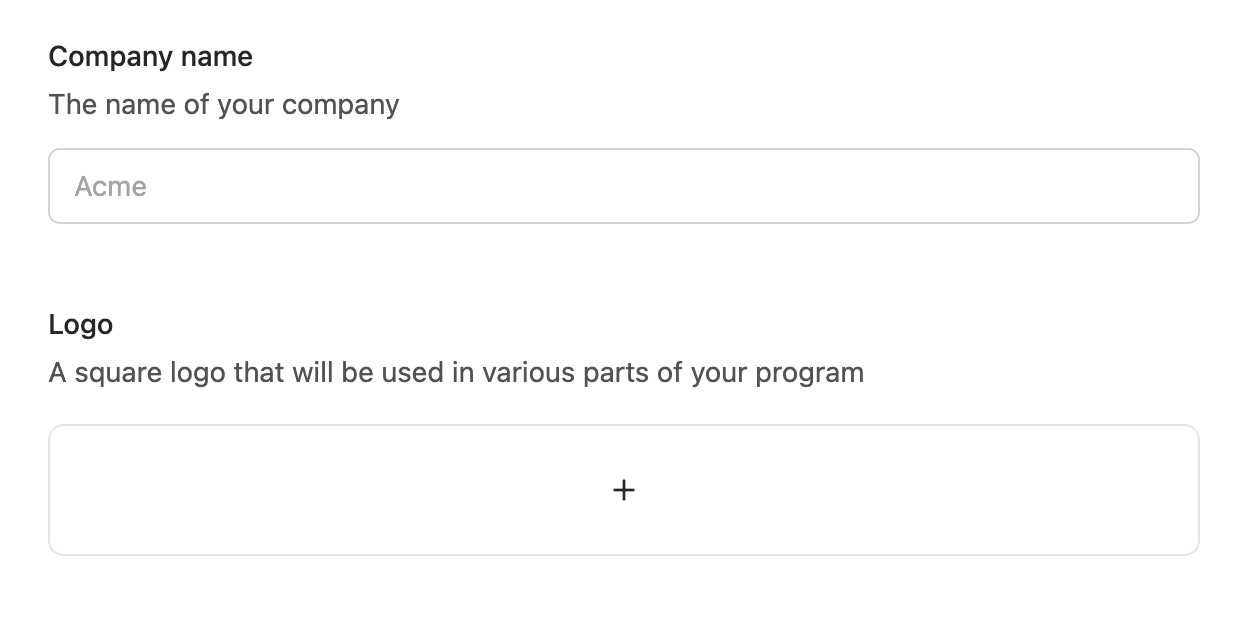
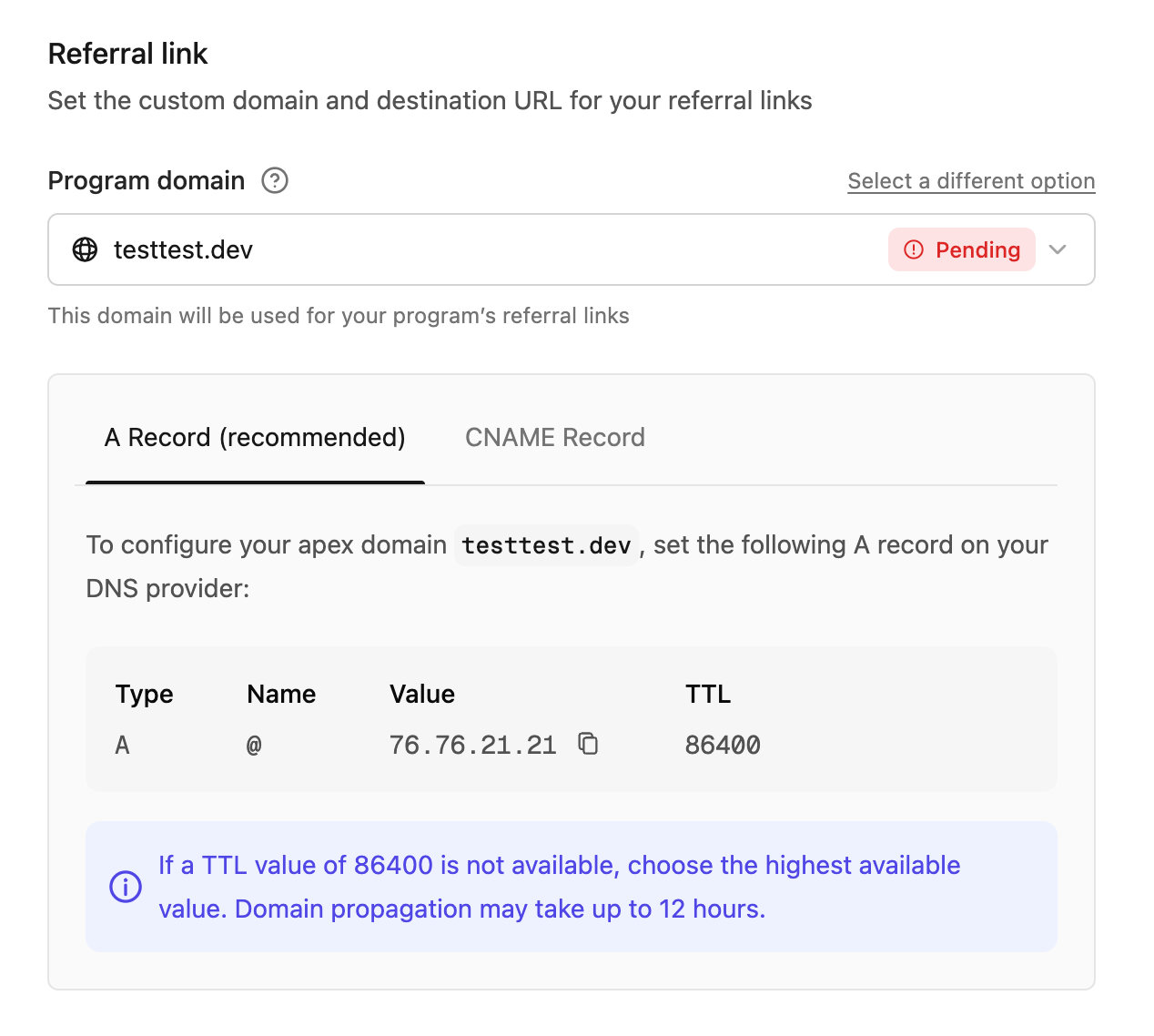
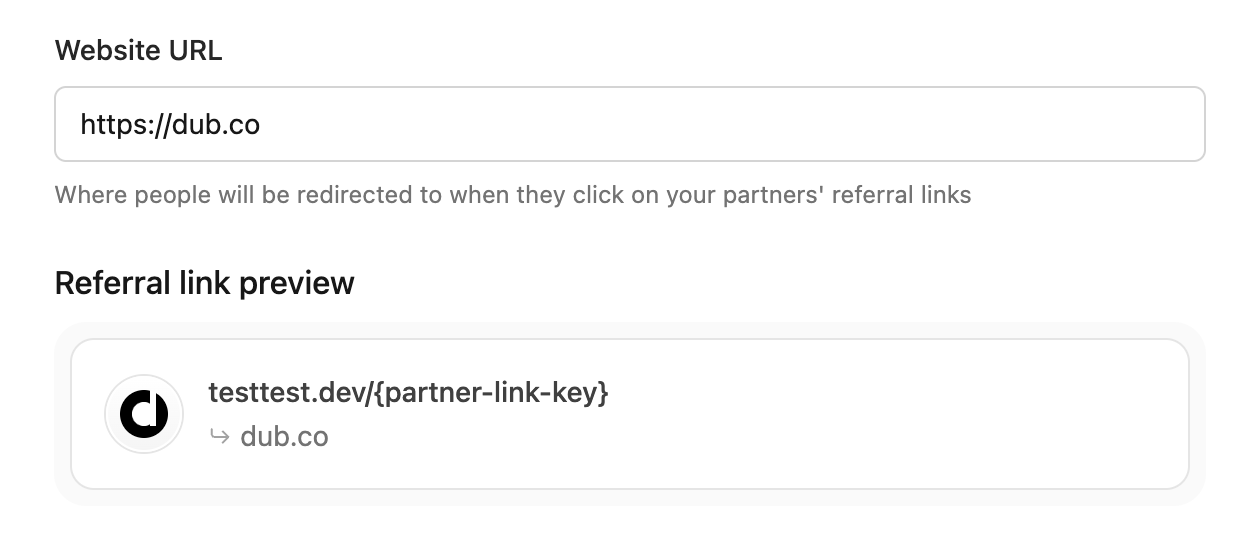
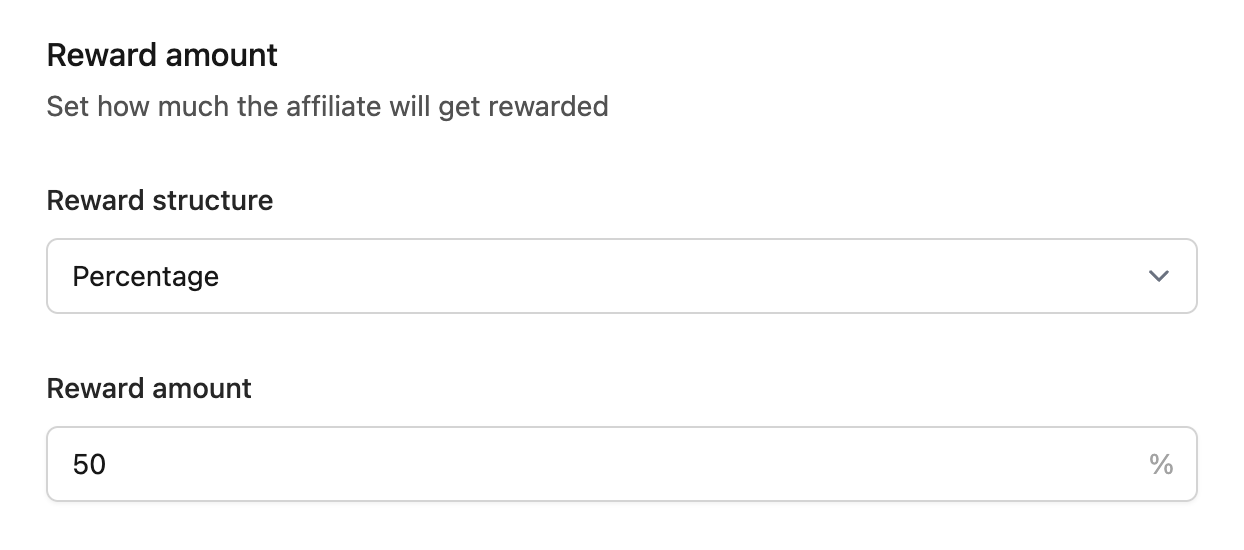
Configure rewards details
In the second step, you’ll set up your default reward configuration: Reward type – Choose whether to reward partners for sales (purchases and subscriptions) or leads (signups). Commission structure – Select one-off payments or recurring commissions for subscription-based products. For recurring rewards, set the duration (e.g., 12 months).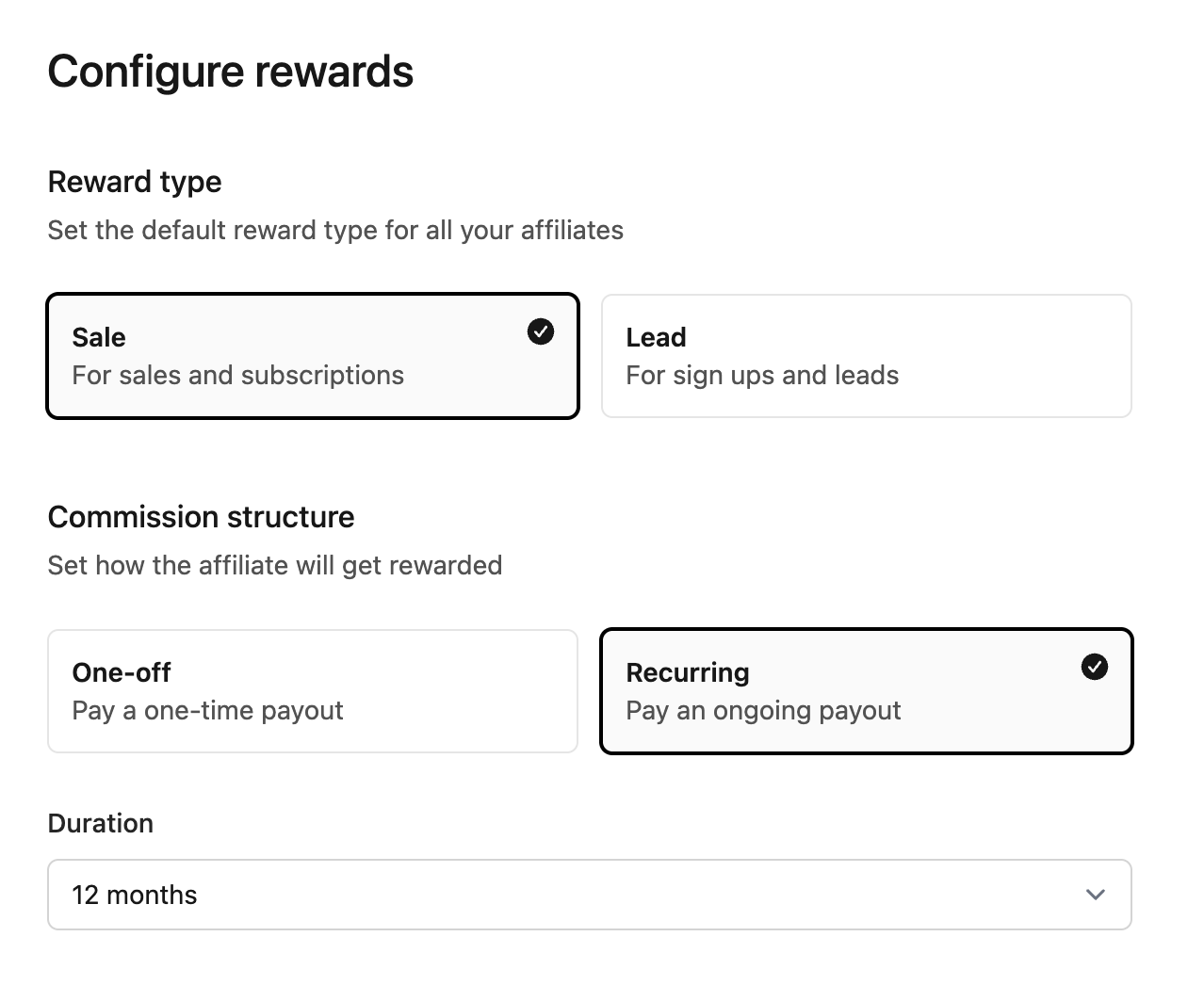
Invite partners
In the third step, you can invite your first partners by email. Enter their email addresses and they’ll receive an invitation to join your program.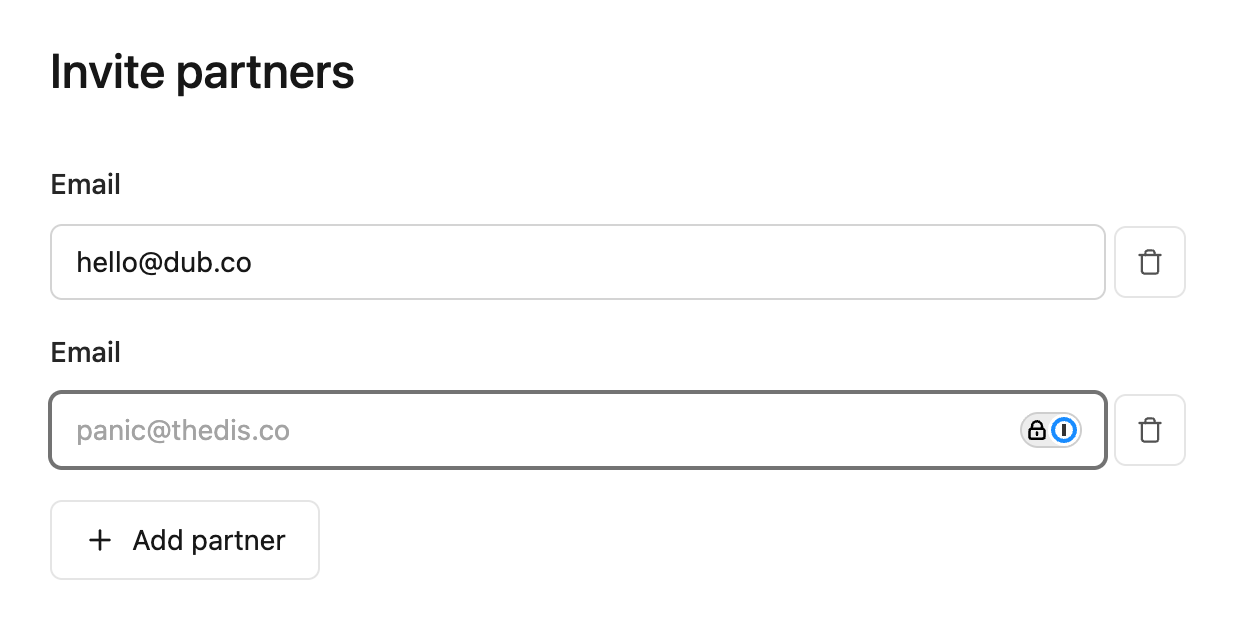
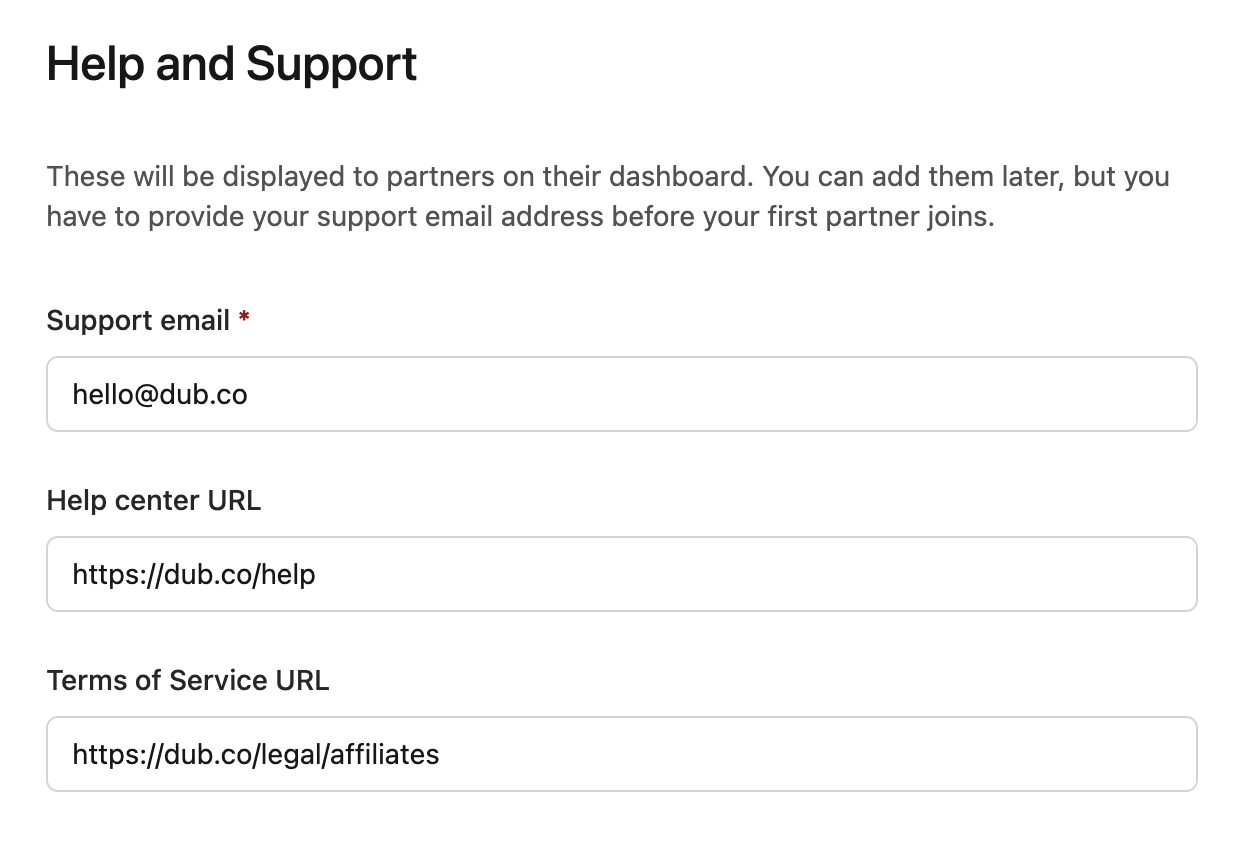
Help and Support details
In the fourth step, configure support resources that will be displayed to partners in their dashboard:- Support email (required) – Where partners can reach you with questions
- Help center URL – Link to your documentation or FAQ
- Terms of Service URL – Your affiliate/partner program terms
Overview
The final step displays a summary of your program configuration. Review your reward structure, referral link format, and website URL before clicking Create program.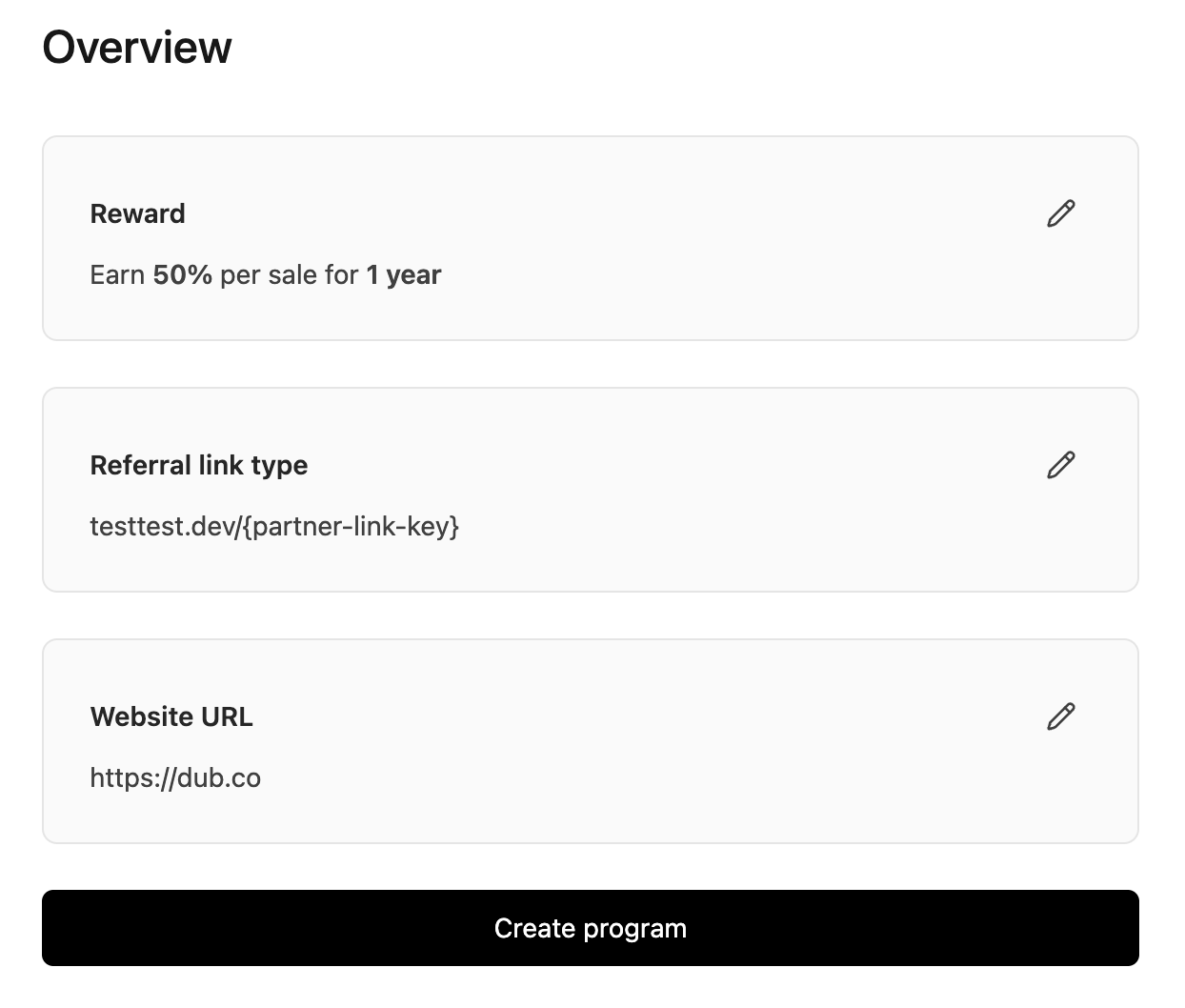
How conversion tracking powers your program
Partner commissions are automatically calculated when conversions are tracked. The flow works like this: a customer clicks a partner link → the SDK stores a cookie → you track lead and sale events → Dub calculates the commission based on your reward rules.Importing from other platforms
If you’re migrating from another affiliate platform, you can import your existing partners and historical conversion data:From Rewardful
Import partners, links, and conversion history
From PartnerStack
Migrate your affiliate program
From FirstPromoter
Transfer partners and commissions
From Tolt
Import your referral program
Setting up payouts
To pay your partners, you’ll need to connect your bank account to Dub:- Navigate to your program settings
- Connect your bank account for outgoing payments
- Configure payout frequency (manual or automatic)
Inviting partners
There are two ways to grow your partner network:Direct invitations
Invite specific partners via email directly from your program dashboard. This is ideal for:- Existing customers you want to turn into affiliates
- Influencers or content creators you’ve identified
- Strategic partners with established audiences
Inviting partners
Send targeted invitations to high-value partners you’ve already identified
Program landing page
Create a public landing page where anyone can apply to join your program. Configure:- Program description and benefits
- Commission structure overview
- Application requirements
- Custom branding
Program landing page
Scale your program with a public page that attracts partners organically
Advanced reward options
After your program is created, you can configure more sophisticated reward structures:Partner rewards
Custom commission rules based on LTV, product categories, or performance tiers
Partner groups
Tiered programs (Bronze, Silver, Gold) with different commission rates per group
Dual-sided incentives
Offer customer discounts through partner links to boost conversion rates
White-labeling the partner experience
Embed the partner dashboard directly in your application so users can join your partner program without leaving your site:Embedded referrals
Set up a white-labeled referral dashboard inside your app with secure embed tokens
- Enroll in your partner program
- Access their unique referral links
- Track their conversions and earnings
- Request payouts
Integration options for revenue tracking
Choose the integration method that best fits your stack:Stripe
Best for: SaaS, subscriptions, one-time purchases. Automatic tracking of payments, refunds, and recurring billing
Shopify
Best for: E-commerce stores. Native app automatically tracks all orders
Server-side SDKs
Best for: Custom implementations, hybrid tracking, non-standard payment flows
Segment
Best for: Teams already using Segment for analytics